




Contract
Get documents signed faster
Place signature fields, dates, and initials, then track signing progress in real time.
Start with a ready-to-use form or upload your own PDF. Fill it out, send it, and get it signed from any device in just a few clicks. Easily upload your document, add signers, and get it signed — all online.
Secure &
encrypted
Legally
binding
Audit
trail
Drag & drop your PDF or pick a ready-to-use contract.
Set up signer emails, signature boxes, dates, or custom text fields.
Recipients sign on mobile or desktop with a full time-stamped Audit Trail.
Ready to get started?
Here's how it works
Contract
Get documents signed faster
Place signature fields, dates, and initials, then track signing progress in real time.
Sign it in a few clicks
Draw your signature, type it, upload its image, or use your mobile device as a signature pad.
Send document
Share documents for signing
Send documents via email or secure link, track progress, and download completed files.
Simple tools to save you time, clear plans that don’t charge you more for doing more, and built-in protection for every signature.
Choose the plan that fits you. Then add your team, send unlimited documents, and invite multiple people to sign – without paying more for every seat, signer, or document.
Start with ready-to-use templates for creator contracts, supplier agreements, leases, and more. Autofill the details you use again and again. Need to make a change? Edit your document without starting over.
Every signed document includes an Audit Trail with the IP address, email, and timestamp – so you know what was signed, when, and by whom. Your documents are protected with multi-factor authentication, 256-bit SSL, AES-256 encryption, secure file storage, and regular software audits. Read how we protect your documents.
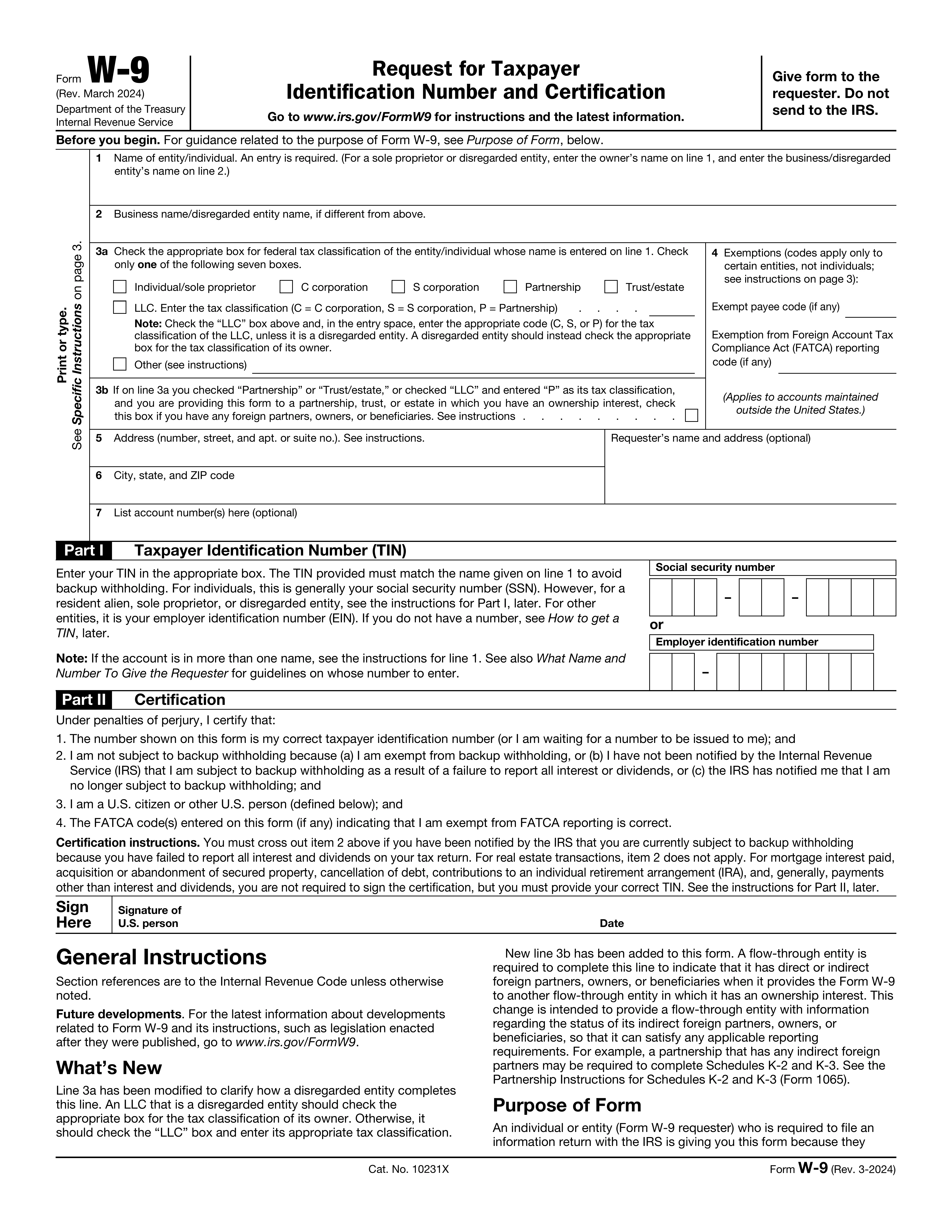
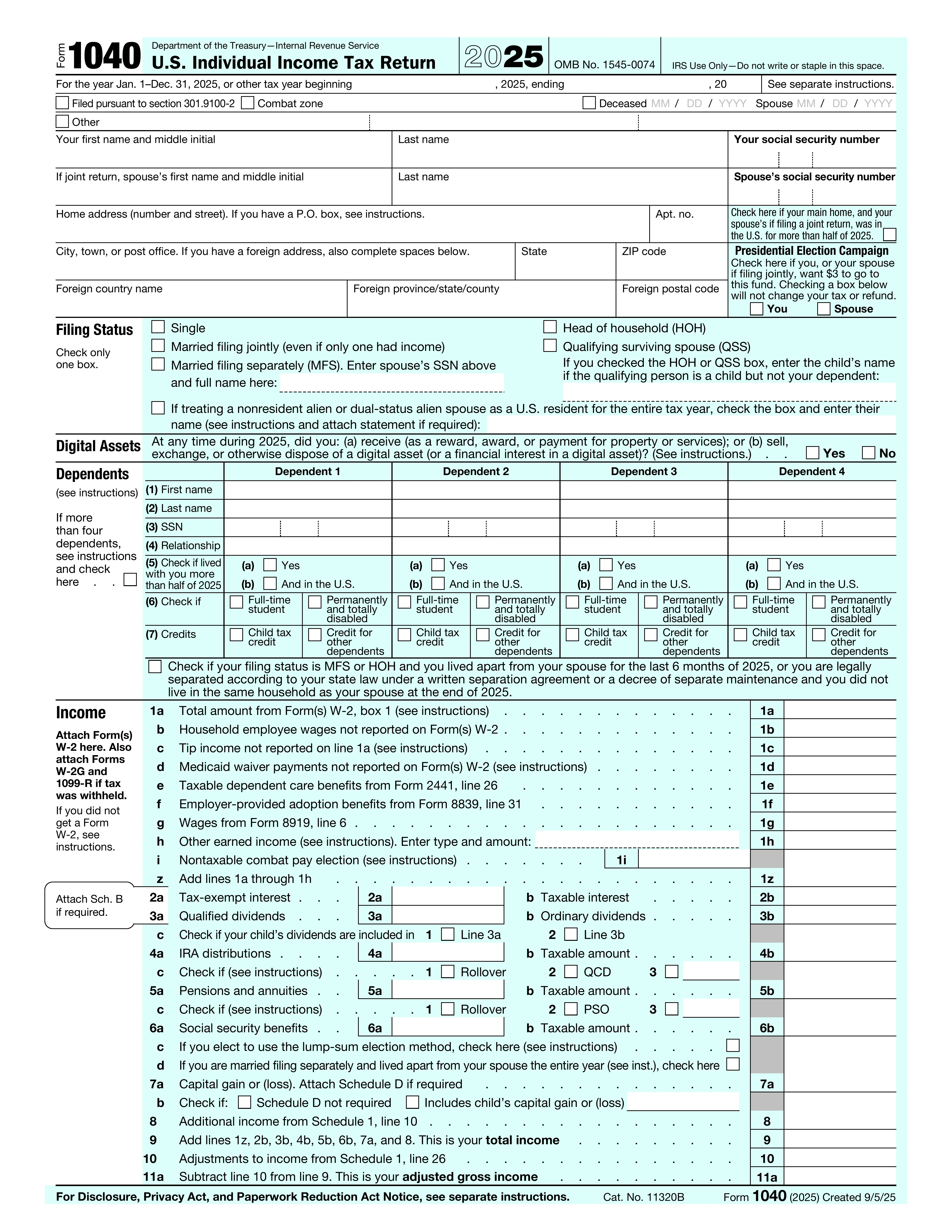
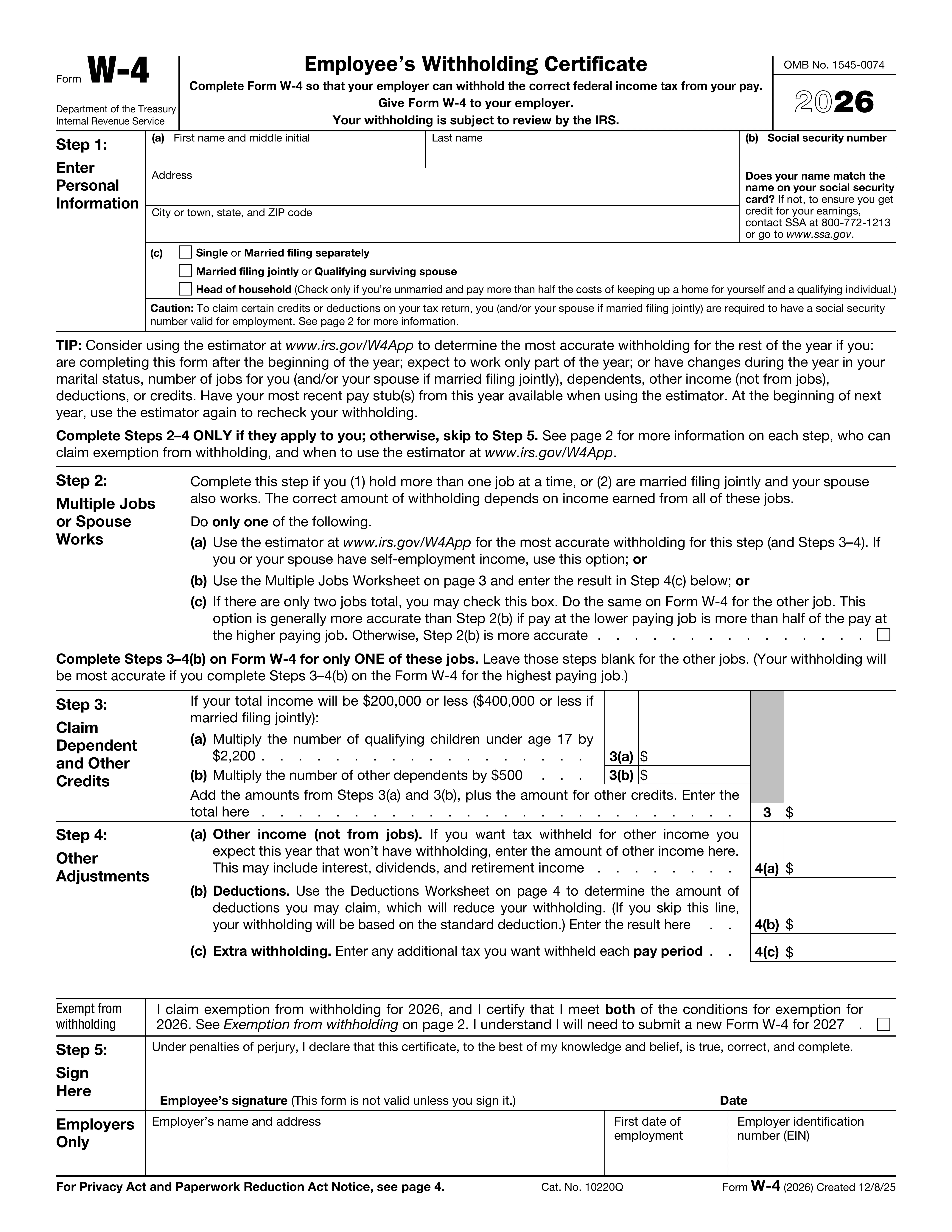
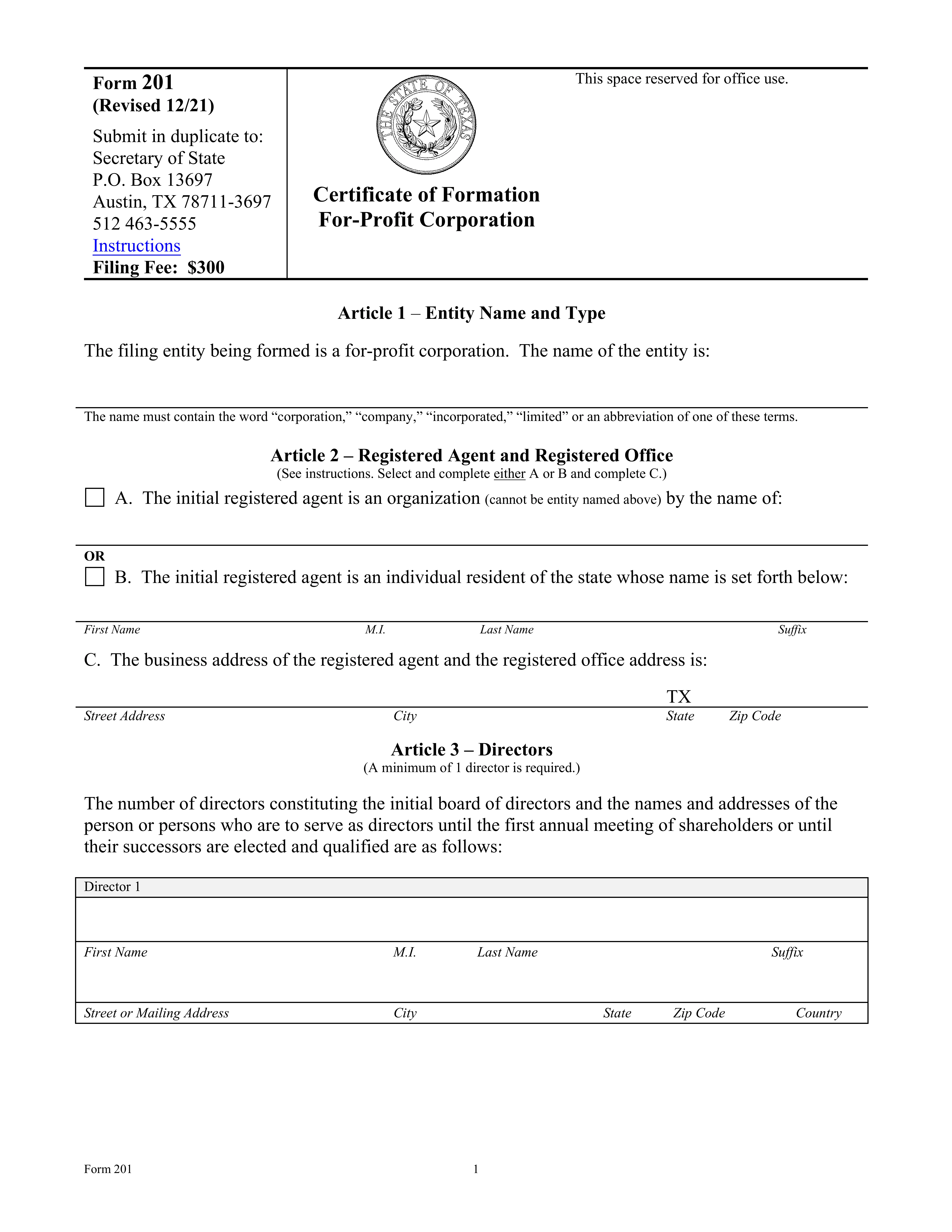
From creator contracts and NDAs to employee onboarding, supplier agreements, taxes, and leases, start with the form you need. Autofill your details, make any edits, and sign or send for signature.
Get your paperwork done in minutes with ready-to-use PDF forms
From creator contracts and NDAs to employee onboarding, supplier agreements, taxes, and leases, start with the form you need. Autofill your details, make any edits, and sign or send for signature.
Articles of Incorporation
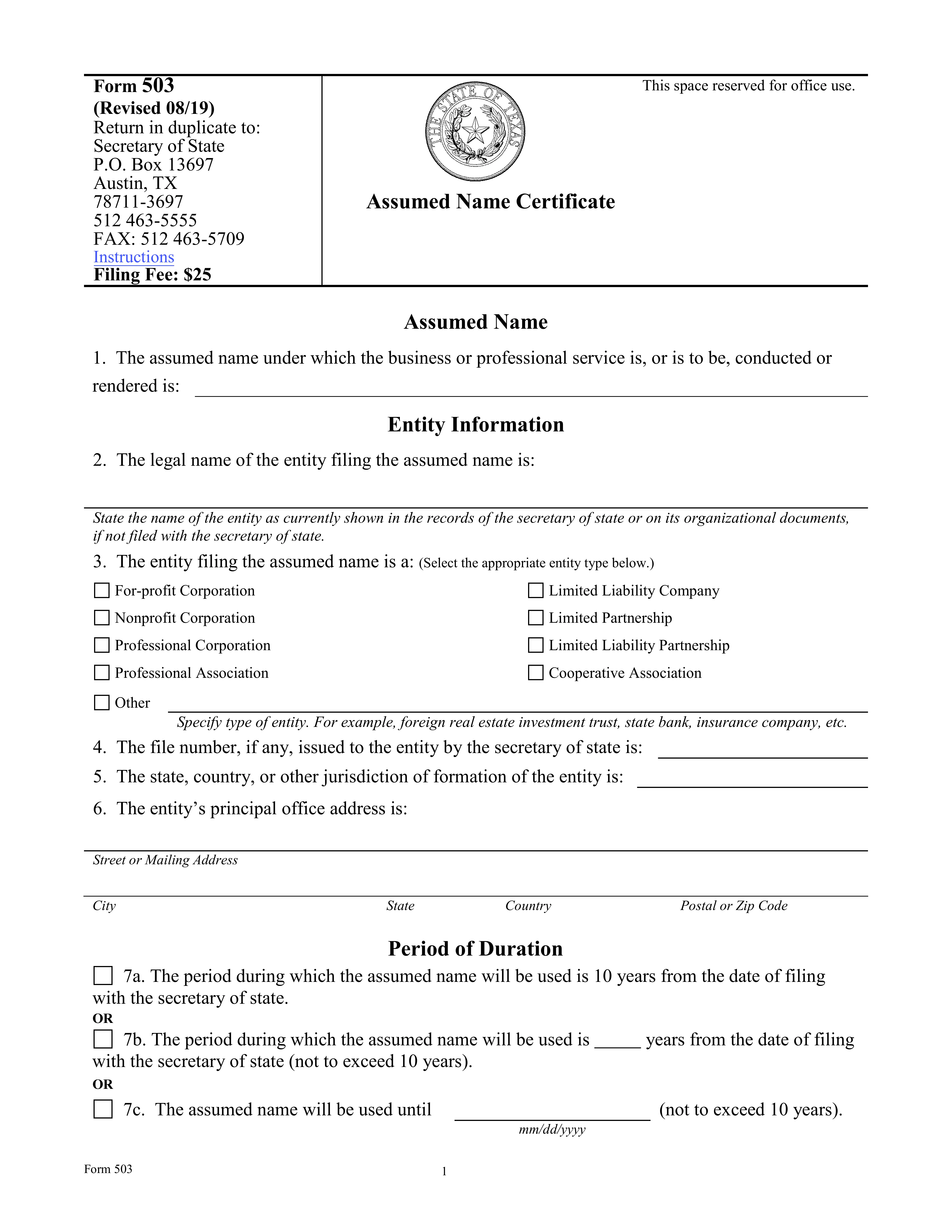
View formAssumed Name Certificate
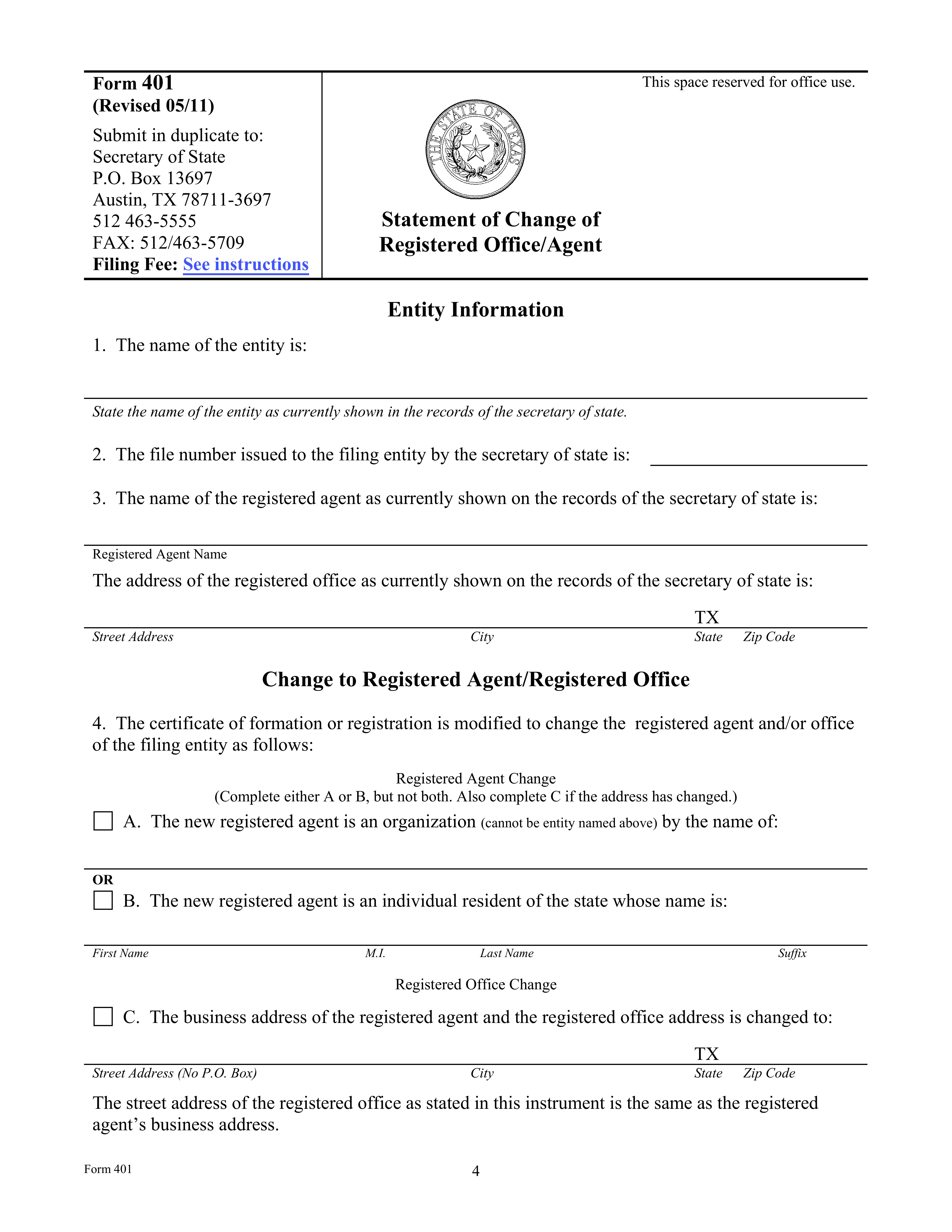
View formChange of Registered Agent
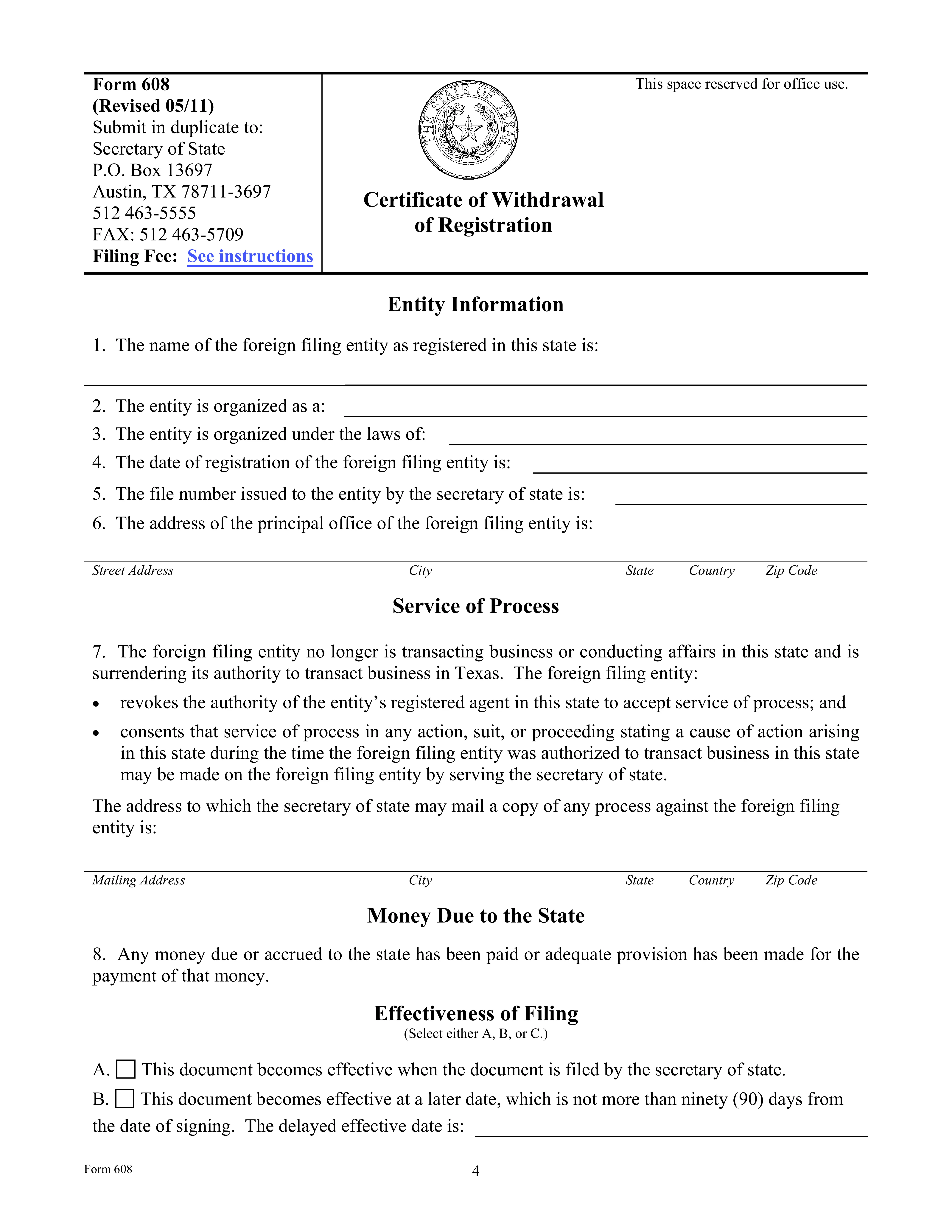
View formEntity Termination
View formYour documents stay protected while you upload, send, sign, and store them with SignlyPDF.
All SignlyPDF team members use multi-factor authentication to access internal systems. This applies to email, cloud services, and the application's source code, adding an extra layer of security. Secure access to internal systems with multi-factor authentication, protecting accounts from unauthorized access.
SignlyPDF secures all sensitive information both during transmission and while stored. Our platform uses industry-recognized AES-256 encryption to ensure data is safely protected at rest. Sensitive data is protected in transit and at rest using AES-256 encryption, the industry security standard.
All files uploaded to SignlyPDF are stored on secure cloud infrastructure provided by DigitalOcean. Our storage environment follows industry best practices to ensure data reliability and security. Uploaded files are stored on secure cloud infrastructure provided by DigitalOcean, following best security practices.
SignlyPDF regularly reviews third-party libraries and application code. We perform ongoing security checks, including automated analysis and manual code reviews, to maintain a strong security posture. Application code and third-party libraries are reviewed through regular automated and manual security checks.
All your are safe with SignlyPDF
Your documents stay protected while you upload, send, sign, and store them with SignlyPDF.
Multi-Factor Authentication Multi-Factor Authentication
All SignlyPDF team members use multi-factor authentication to access internal systems. This applies to email, cloud services, and the application's source code, adding an extra layer of security. Secure access to internal systems with multi-factor authentication, protecting accounts from unauthorized access.
256-bit SSL Encryption 256-bit SSL Encryption
SignlyPDF secures all sensitive information both during transmission and while stored. Our platform uses industry-recognized AES-256 encryption to ensure data is safely protected at rest. Sensitive data is protected in transit and at rest using AES-256 encryption, the industry security standard.
File Storage File Storage
All files uploaded to SignlyPDF are stored on secure cloud infrastructure provided by DigitalOcean. Our storage environment follows industry best practices to ensure data reliability and security. Uploaded files are stored on secure cloud infrastructure provided by DigitalOcean, following best security practices.
Software Audits Software Audits
SignlyPDF regularly reviews third-party libraries and application code. We perform ongoing security checks, including automated analysis and manual code reviews, to maintain a strong security posture. Application code and third-party libraries are reviewed through regular automated and manual security checks.
Pricing
The right plan for the way you work.
Choose the plan that fits your signing needs.
Weekly Plan
For last-minute contracts, new hires, seasonal work, and everything in between.
$1.95 billed weekly. Auto-renews every week until canceled. Cancel anytime in 1 click from your account settings with no hidden commitment.
Monthly Plan
For regular contracts, client work, and new hires throughout the month.
Billed monthly. Auto-renews every month. Cancel anytime in 1 click before your next billing cycle.
Yearly Plan
For contracts, hiring, taxes, and everything the year brings. One plan, our best value, no need to think about it every month.
Team
For businesses that need team access, admin controls, and integrations.
Let’s help you with some of your frequently asked questions.
Couldn't find your answer? Talk to Us
Can I protect my payment terms and content rights with a signed contract?
Yes. A signed contract can set out your 50/50 payment split, number of revisions, content usage rights, how long those rights last, and any exclusivity terms. SignlyPDF also keeps a full Audit Trail with the signer’s email, IP address, timestamp, and document version.
Do my clients or signers need to pay or create an account to sign?
No. Recipients sign 100% free from any smartphone, tablet, or desktop browser in two clicks without downloading apps or registering.
Are there any hidden costs or per-seat fees?
None. Unlike other platforms that charge you more as your team or document count grows, SignlyPDF gives you flat-rate pricing with unlimited documents and team access.
Can someone change a document after it's signed?
Yes, if there's no proper tracking. Without proof of document integrity, it's hard to show which version was actually signed. SignlyPDF records the exact document version and its hash, so any change can be detected.
How do I know who signed the document?
If you only have a plain PDF, you usually don't. SignlyPDF records the signer's verified email, IP address, timestamp, and session details. This helps connect the signature to a specific person and action.
Can someone copy or misuse my signature?
Yes, if it's just a static image or a basic PDF signature. That's because the signature may not be tied to a specific document or signing event. SignlyPDF links the signature to the document version, email, IP address, and session, so simple copying is not enough to fake a valid signing record.
How do I sign a PDF?
You don't need any special setup. In the U.S., signing by drawing, typing your name, or clicking "Agree" can all be valid. What matters most is being able to prove it later. With SignlyPDF, you upload the file, add signature fields, and sign it yourself or send it out for signing. The system records who signed, when they signed, and where the action came from.
How do I request signatures from other people?
To send a document for signature, use our e-signing product, SignlyPDF.
Can I sign PDF, DOCX, XLSX, and JPG files?
Yes. Our eSign tool works with more than just PDFs. You can upload PDF, DOCX, XLSX, JPG, and other image files. They'll be converted to PDF automatically so you can sign them securely.
“SignlyPDF completely streamlined our client onboarding. We send service agreements and NDAs directly from our phones, and clients sign them in two clicks without registering. It’s fast, super intuitive, and saves our team hours of back-and-forth every week!”
“SignlyPDF changed how I deal with brand deals. I send usage rights agreements right from my phone on set, lock my 50% upfront payment, and never worry about contract terms being ignored.”
“SignlyPDF completely changed how we handle repair estimates and client approvals. Thanks a lot for such a fast and super intuitive service — clients now sign work orders right from their phones in seconds without any hassle. It saves us a ton of time and keeps our daily shop workflow running smoothly!”
“SignlyPDF is a absolute lifesaver for my freelance design business. I send NDAs and project proposals to clients straight from my tablet, and they sign them instantly without creating an account. It makes my workflow look super professional and saves me hours of stress every week!”
“Managing vendor contracts for events used to be a complete nightmare when working on location. With SignlyPDF, I get catering, DJ, and venue agreements signed on my phone in 30 seconds right during site visits. Thank you so much for creating such a fast, reliable, and smooth service!”
“Thanks a lot for building such a clean, hassle-free service — we send docs in seconds and sign them on mobile without paying crazy per-seat pricing. Highly recommended for any fast-moving team!”
Processing your document...